User Guide
App Guidelines
Learn how to make the most of Recap — from setup to daily engagement and progress tracking.
1
Getting Started
Set up your account and choose your role
- Download Recap from the App Store
- Sign in with your Google account for secure authentication
- Select your role: Patient or Family Member
- Patients: Enter your profile details including name, date of birth, and Alzheimer’s stage
- Family Members: Connect to a patient account using their unique Patient ID
2
Daily Questions
Engage with personalized memory prompts daily
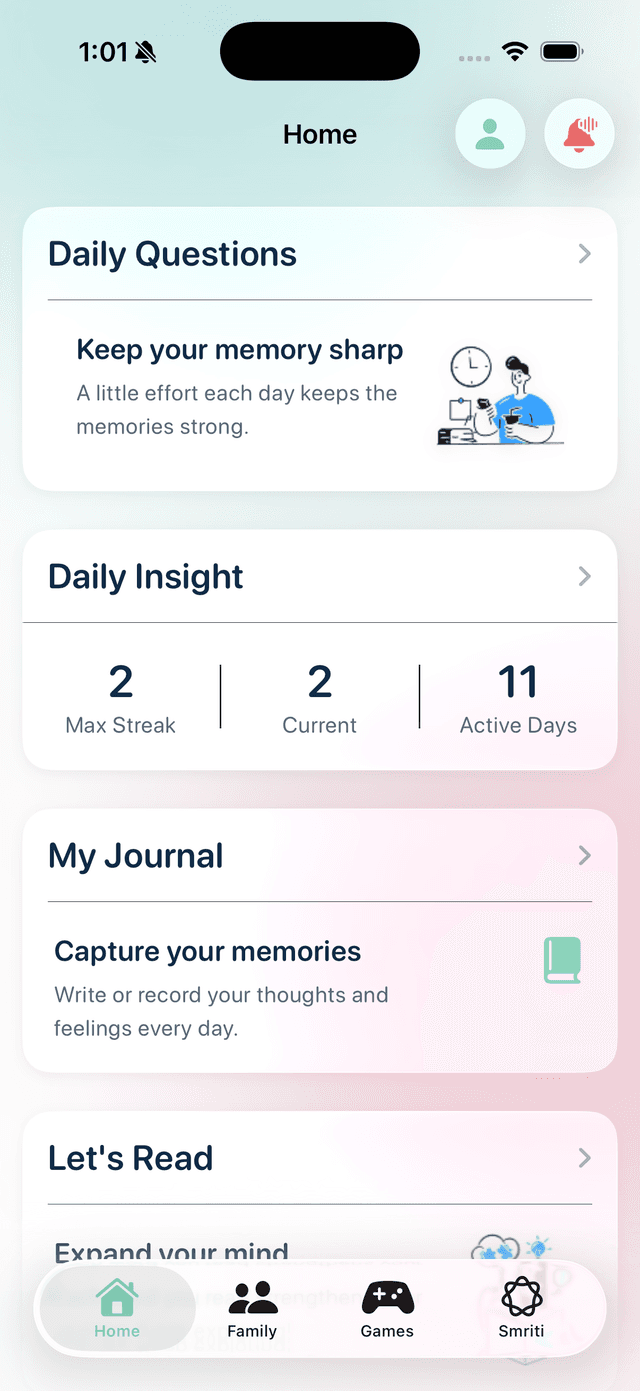
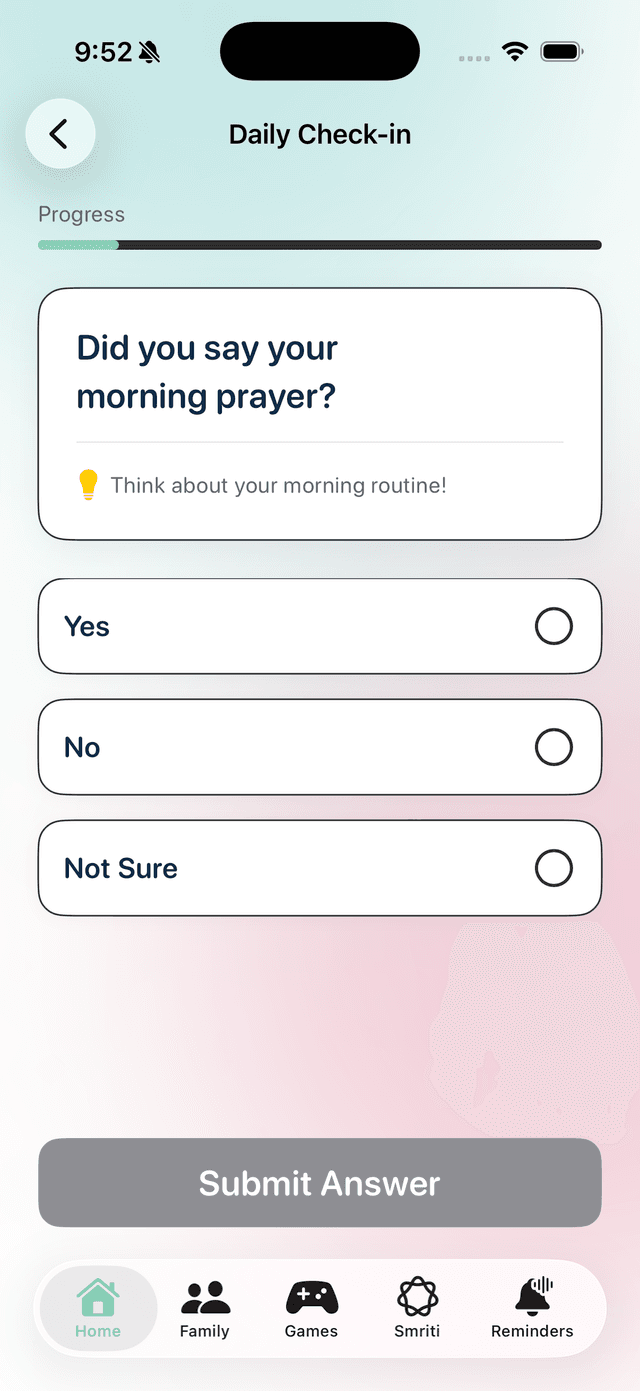
- Patients: Open the Questions card on the home screen to view today’s questions
- Answer each question — responses are tracked across memory types
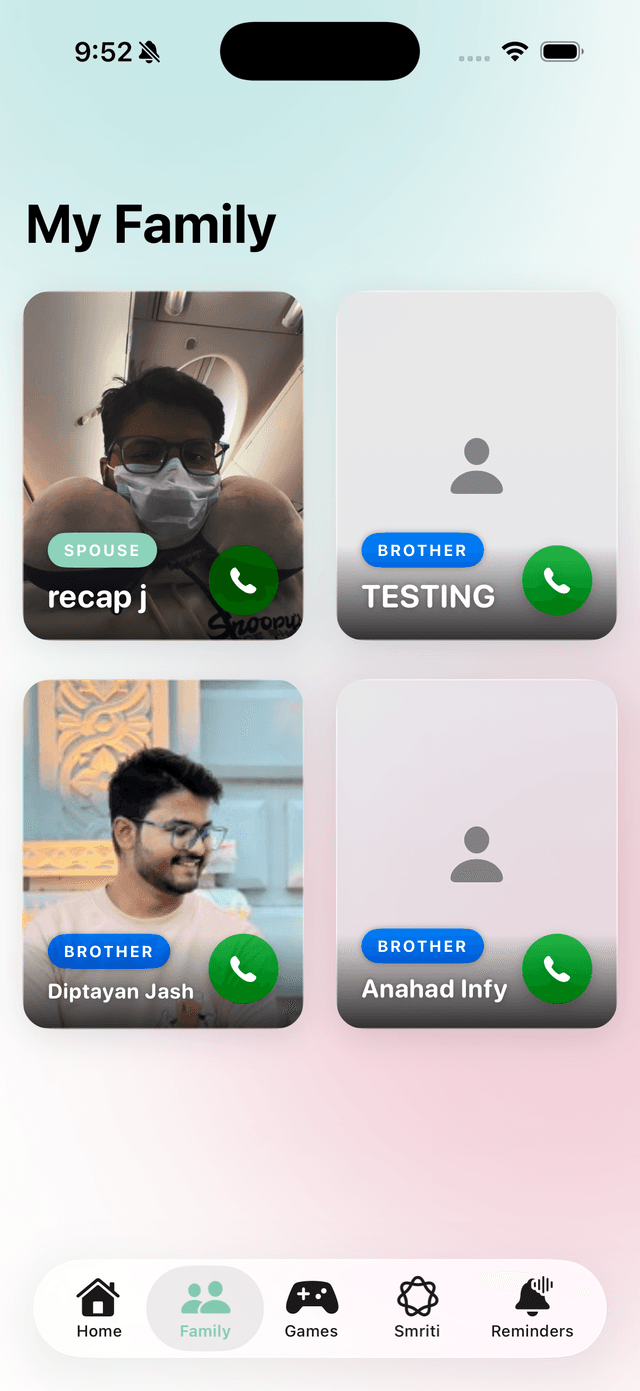
- Family Members: Use the Add Question feature to create new questions remotely with photos
- Questions cover different memory types for comprehensive cognitive exercise
- Answering questions automatically updates your daily activity streak
3
Smriti AI Companion
Chat with dual-provider AI for support and reminiscence
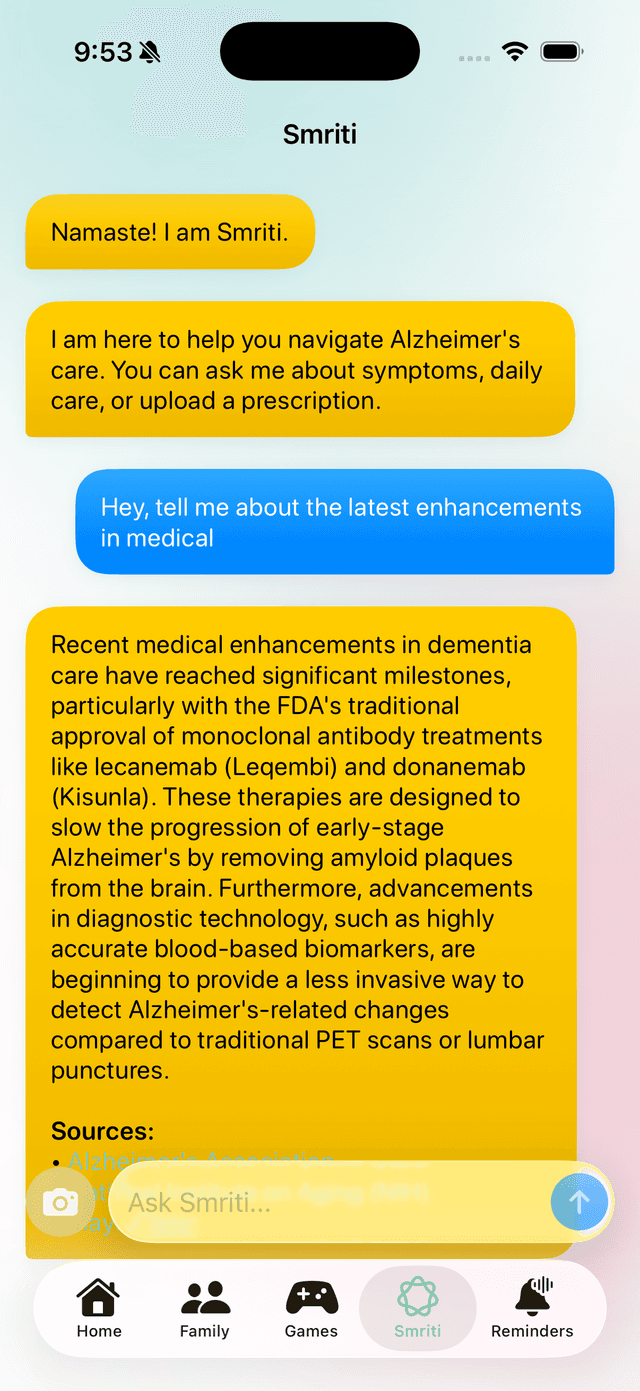
- Open Smriti from the home screen to start a conversation
- On supported iPhone 15 Pro+ devices, Smriti uses Apple Foundation Models when enabled and ready
- If Apple Intelligence is unavailable, Recap automatically continues with our custom AI service
- Ask questions about memory care, daily activities, or just chat for companionship
- Use ‘Memory Lane’ mode for guided reminiscence therapy sessions
- Smriti provides personalized responses based on your context
- Receive care strategies, follow-up prompts, and supportive notes
4
Mood Journaling & Memories
Capture moods, thoughts, and memories
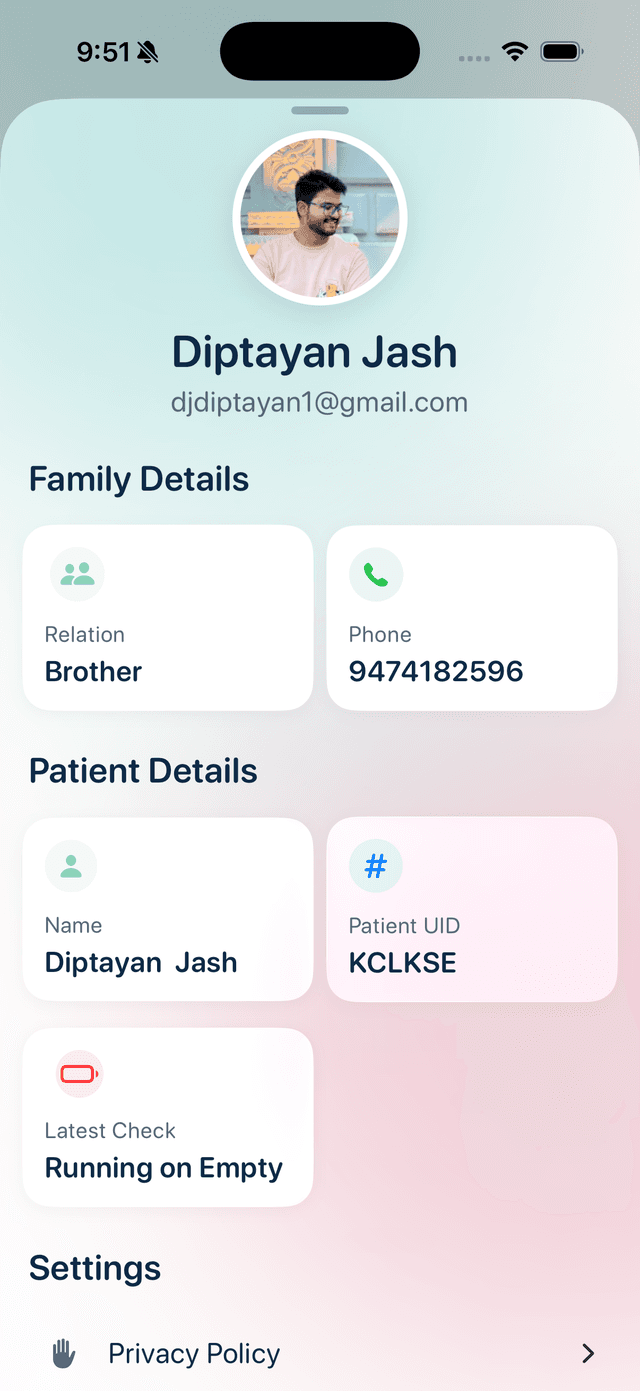
- Create a new mood journal entry from the home screen
- Write text, record voice entries, or attach photos
- Tag your mood to track emotional well-being over time
- Tag people, places, and events for meaningful context
- Browse past entries to revisit your personal memory archive
5
Smart Reminders
Never miss medication, appointments, or daily routines
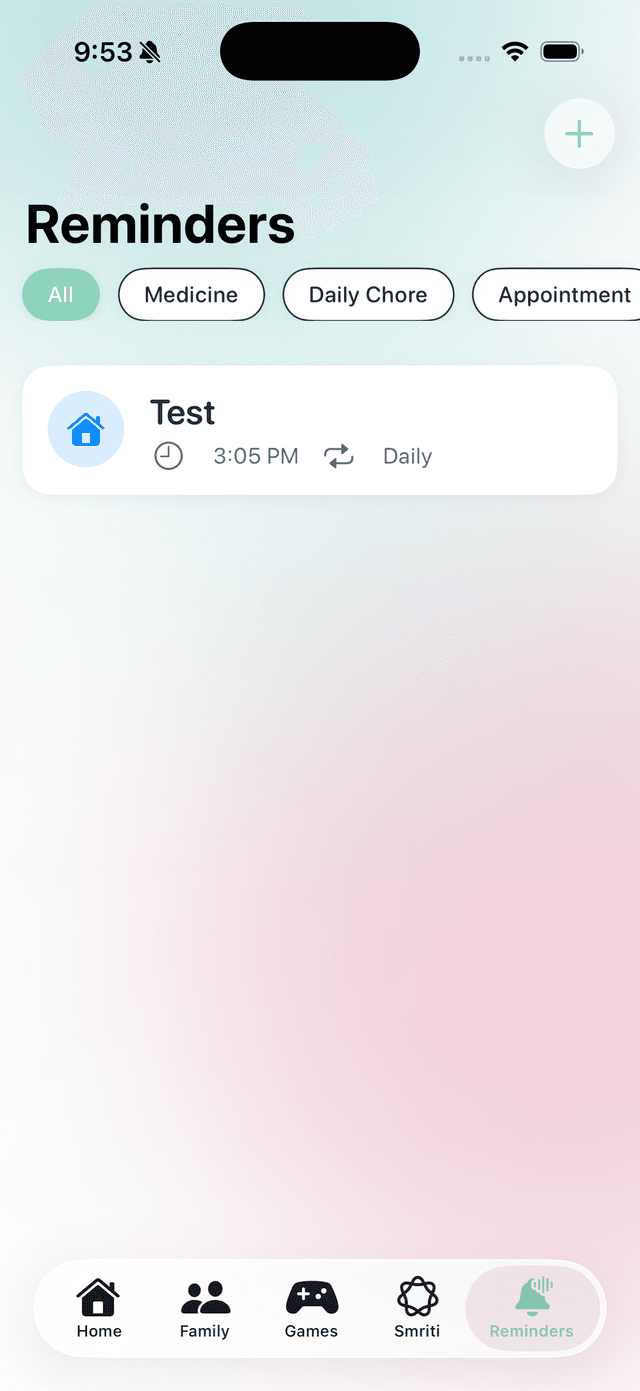
- Add reminders for medication, appointments, exercise, meals, and more
- Set flexible scheduling to match your daily routine
- Add optional notes for additional context
- Edit or delete reminders as routines change
- Family members can help coordinate care reminders remotely
6
Memory Games
Exercise your brain with cognitive games
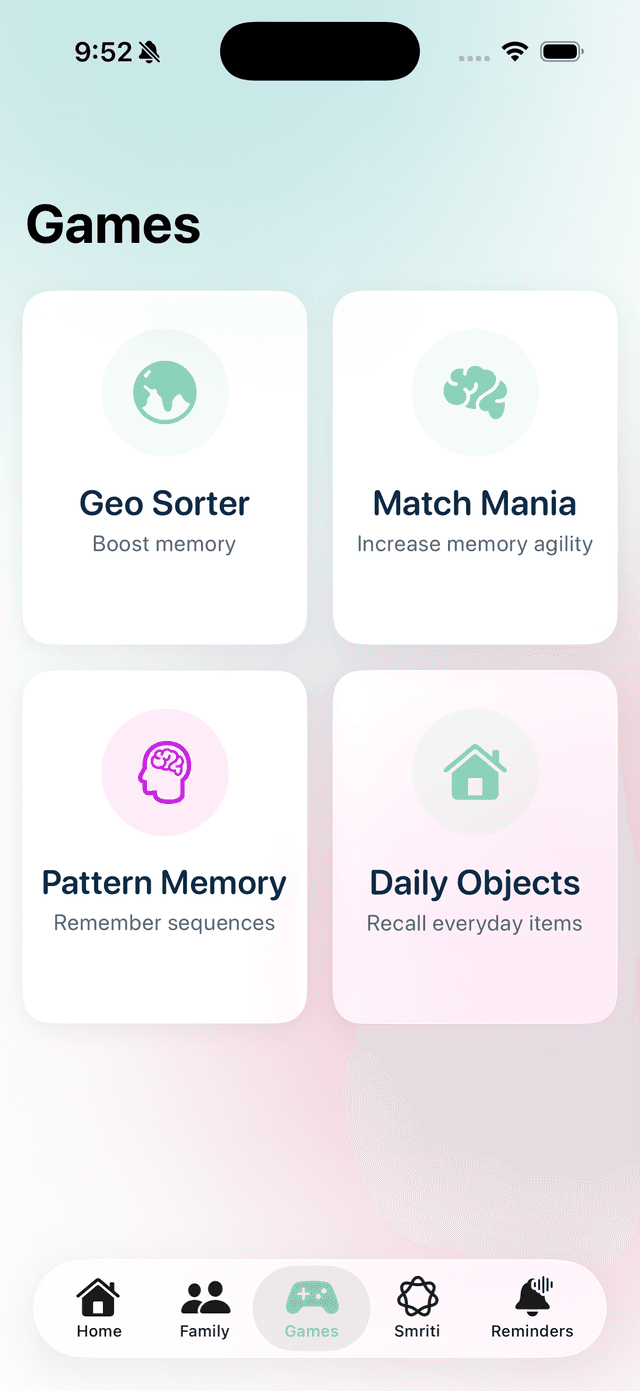
- Choose from multiple games targeting different cognitive skills
- Games exercise spatial memory, pattern recognition, and visual recall
- Play for 15-20 minutes daily for optimal cognitive benefit
- Performance is tracked to monitor improvement over time
7
Progress & Analytics
Monitor memory performance and cognitive trends
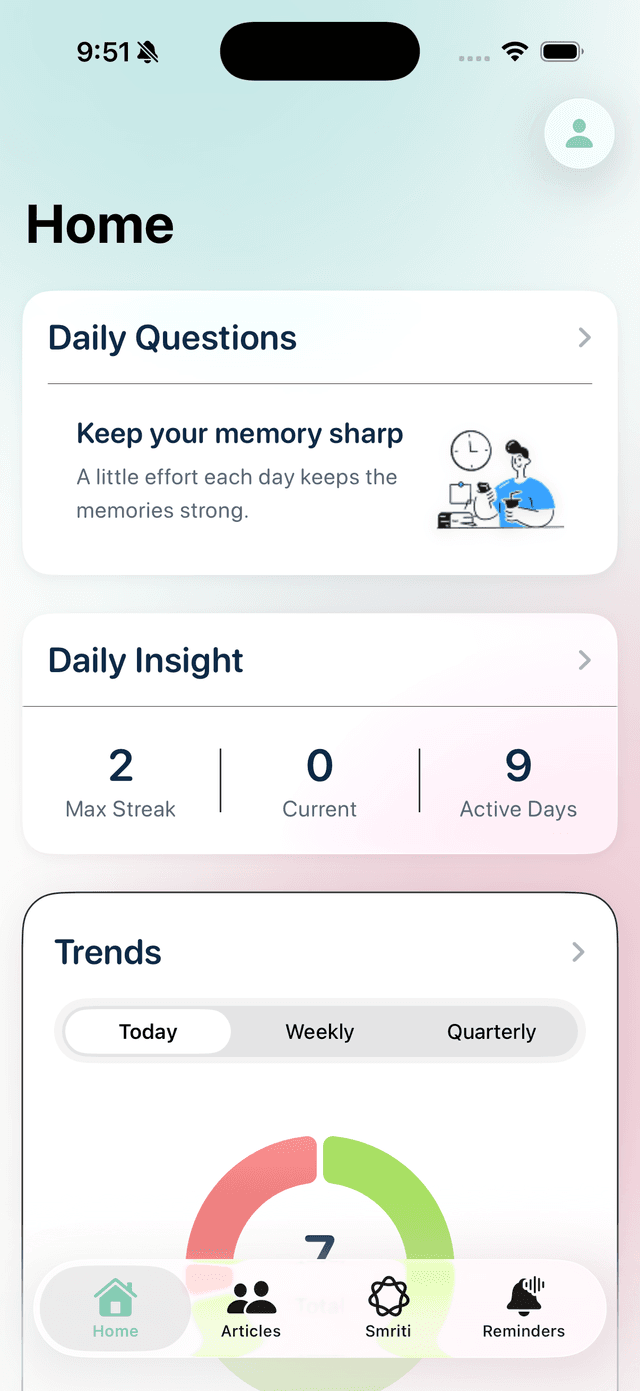
- View analytics showing performance trends over time
- Check breakdowns across different memory categories
- Take cognitive assessments to get a comprehensive score
- Review historical reports to track changes
- Share reports with healthcare providers to support clinical assessments
8
Streaks & Consistency
Build a daily habit for maximum cognitive benefit
- Complete at least one activity daily to maintain your streak
- View your streak calendar on the home screen to track active days
- Research shows consistent daily cognitive engagement provides the most benefit
- Family members can monitor engagement from their dashboard
Need More Help?
Visit our support page for FAQs, contact information, and additional resources.
Go to Support